Now that you have created a project, you can upload some files to start redacting.
On the free tier, you can only upload one file.
Upload Files
First, find the upload button. This is located at the top right of the console.
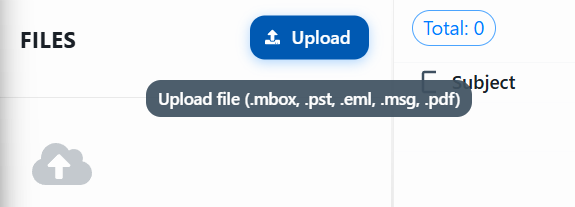
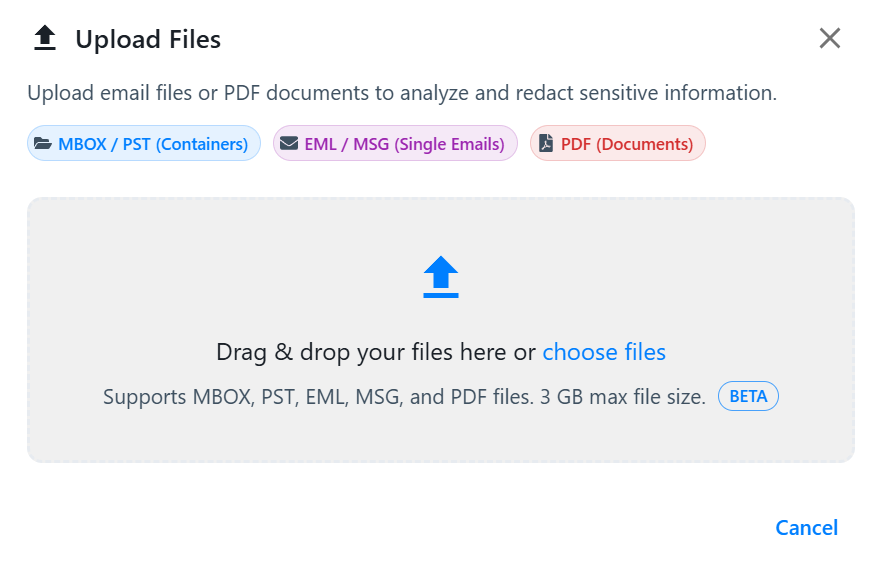
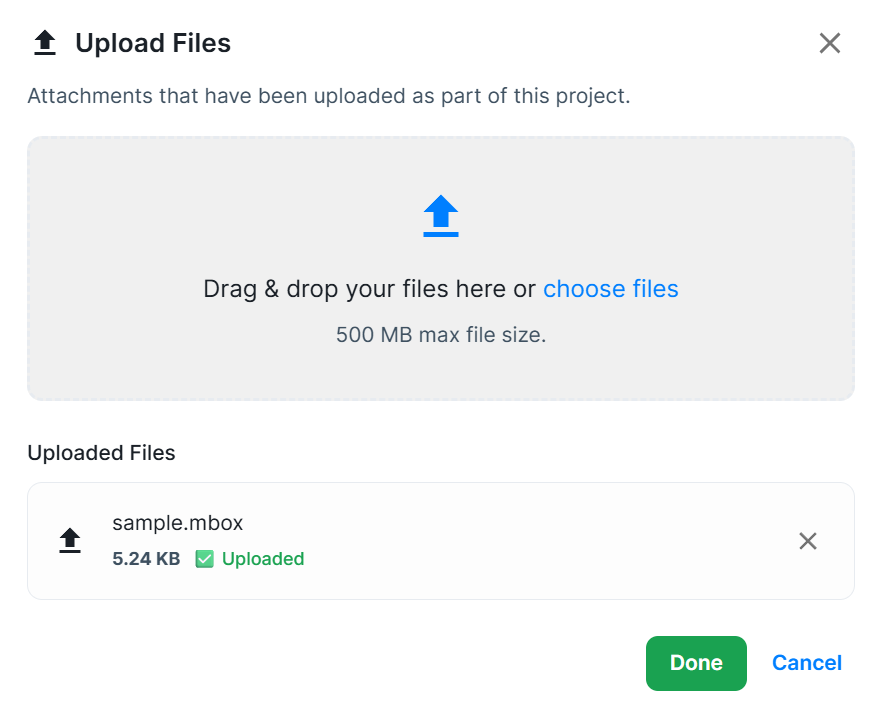
Clicking the upload button opens the upload dialogue.
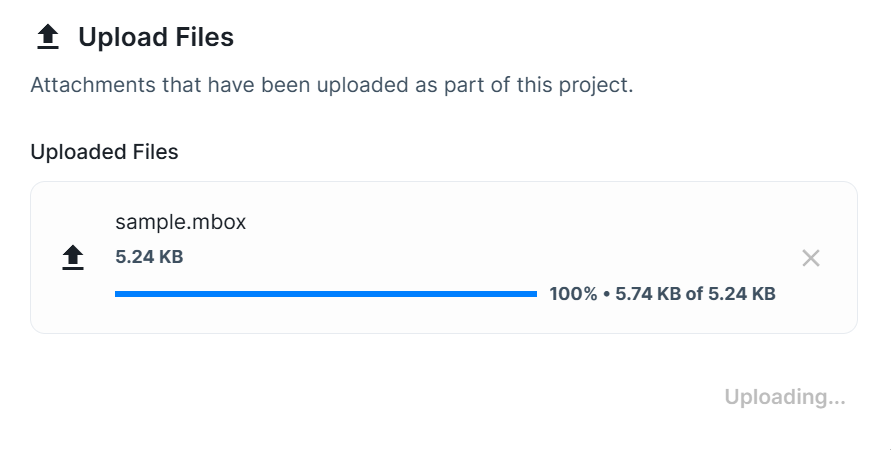
You will see the progress of your file upload.
Depending on the size of your file, it may already have been processed or will begin processing now. When you click Done, your file should load in the sidebar.
At this point, you can also drag and drop additional files to upload if needed.
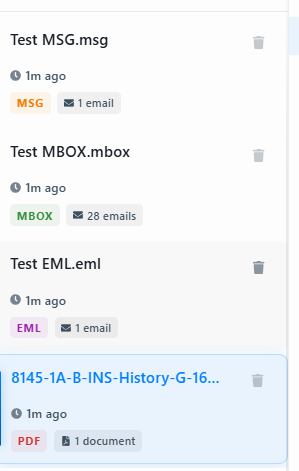
You will now see your files in the sidebar.
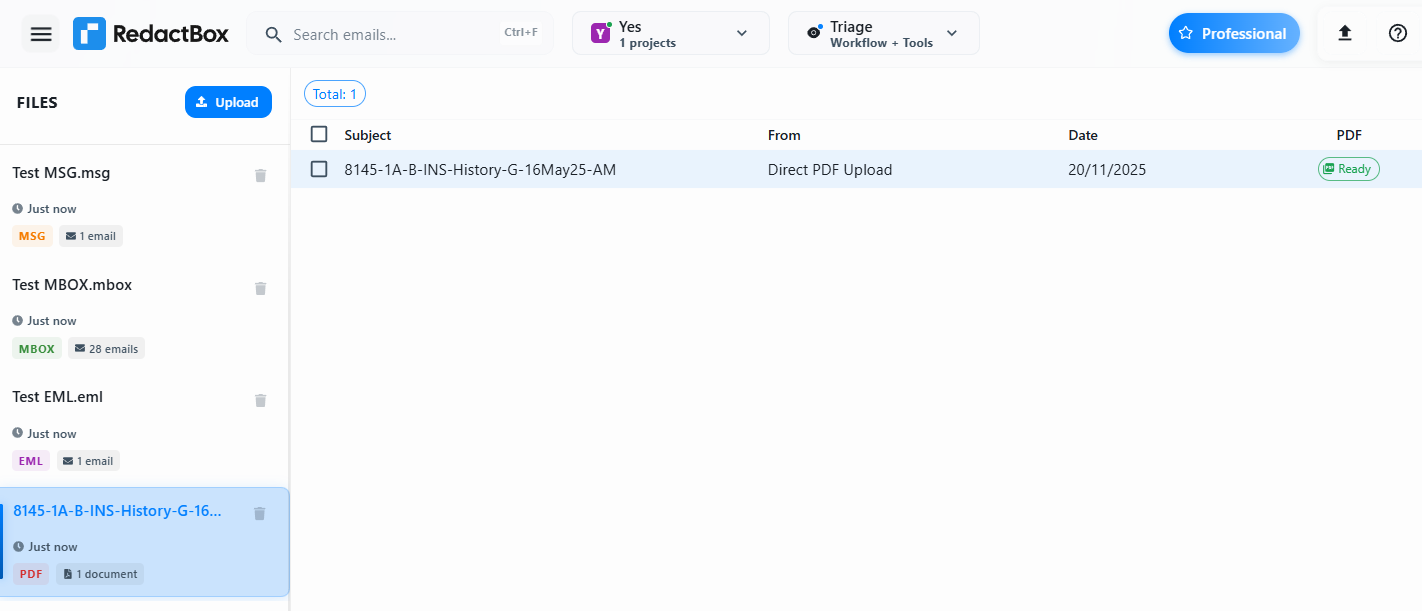
You can see the file type, how many emails or files are in it, and when it was added in the sidebar panel.