This article will show you how to view an email in Gmail, download that email and then import it into RedactBox.
Go to Gmail.
Find the email that you would like to redact.
Once in the email, find the 3 dots at the top right of the email.
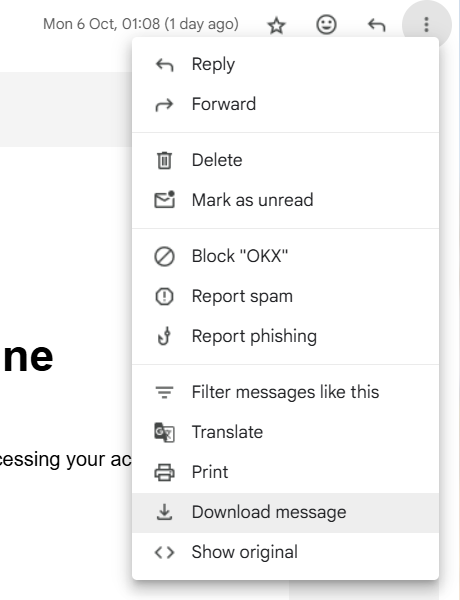
Click the download message.
This will generate an .eml file that you can now use in RedactBox.
Go to the RedactBox Console
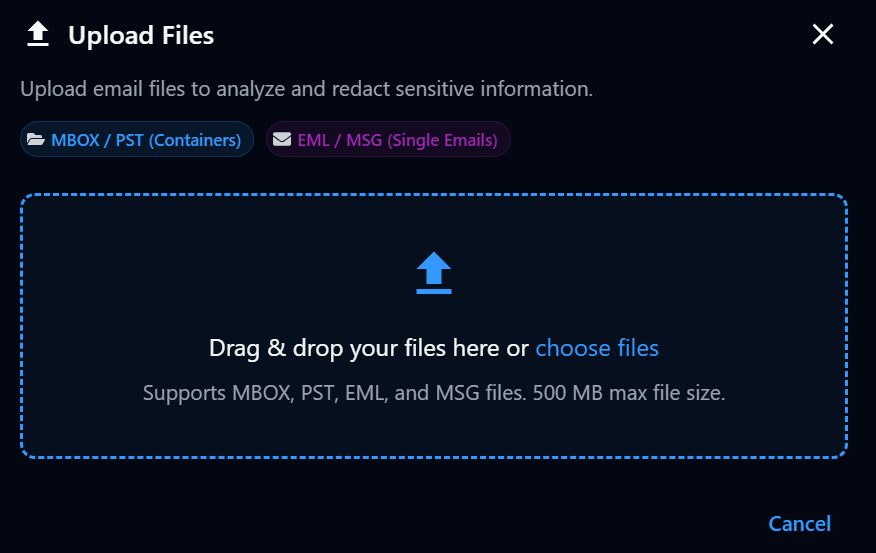
Drag or upload your exported EML file.
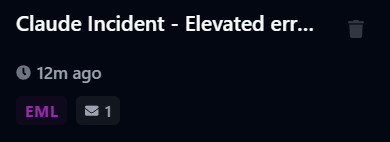
Your EML file will appear as a chip in the sidebar.