Before you start uploading files, you need to create a project.
Projects hold all of your files, save your progress and allow you to return later.
Create a Project
First, find the project menu.
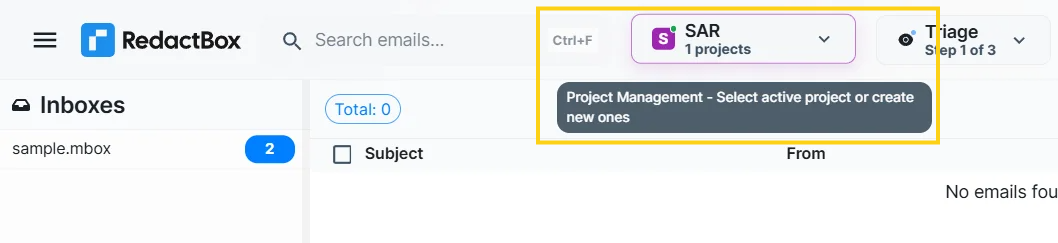
When you open the project menu without any projects, the only option available is to create a new one.

You won't be able to upload any files until you create a project.
It will ask you to give your project a name. If you plan to create numerous projects, ensure that you give them descriptive names.
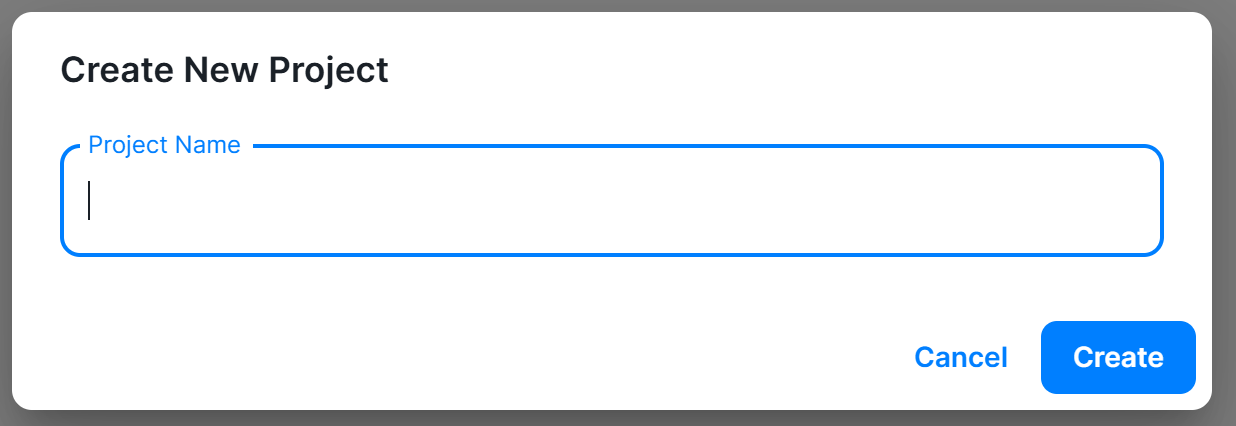
Once you have created your project, it will appear in the list of projects.

You can only make up to one project on the free tier.
