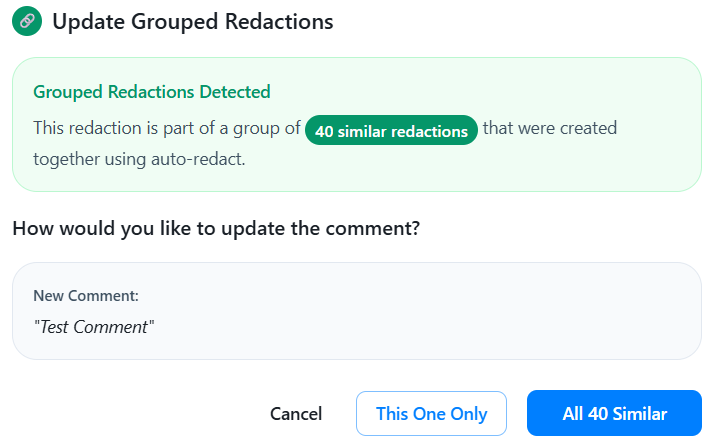
Auto-Redact is a feature that accelerates the redaction process in large email chains and individual emails.
The general principle is that if you need to redact a name across an entire email chain, you do not have to find each instance. RedactBox does this for you.
How to turn it on?
To enable Auto-Redact, ensure you are in Redact Mode.
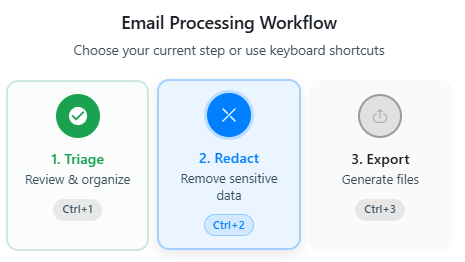
Open an email that you have triaged.
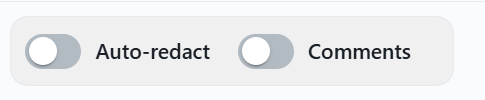
Click Auto-Redact

Any text or phrase that you highlight now will find any other matching words or phrases throughout the entire email.
If you have a lot of the same word in an email, for example, a name. You will see the number of redactions in the toolbar, as shown below.

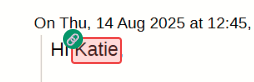
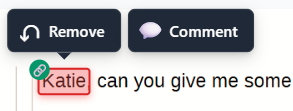
The email will display a chain symbol indicating that it contains auto-redacted text.
Removing or editing Auto-Redactions
When you attempt to remove an auto-redaction, you will be asked if you want to remove just the one redaction or all of them.
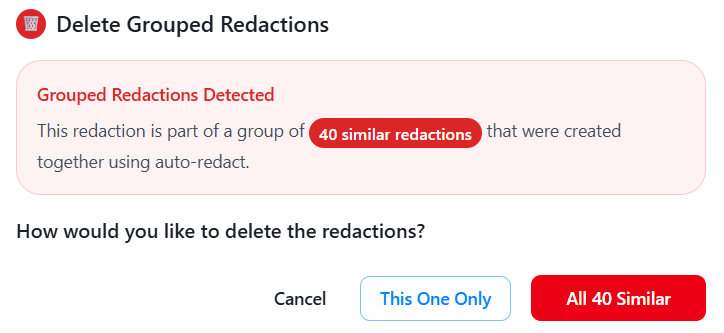
The same will happen with comments.