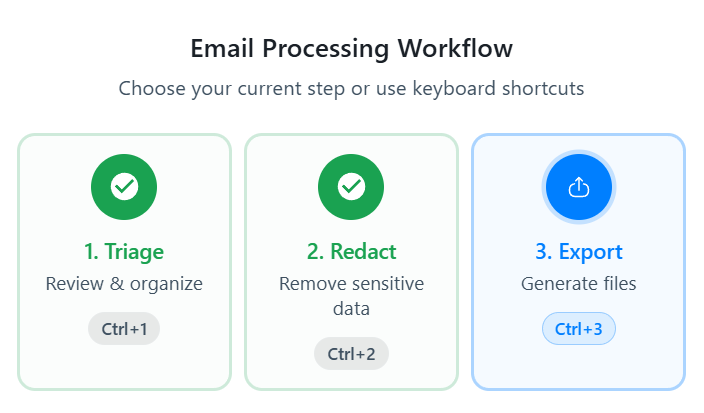
Once you have redacted some emails, you can now export them to PDF files to share with whom you need to.
Export View
When in export mode, you will be able to see all the files that you have processed in Triage and Redact Mode.
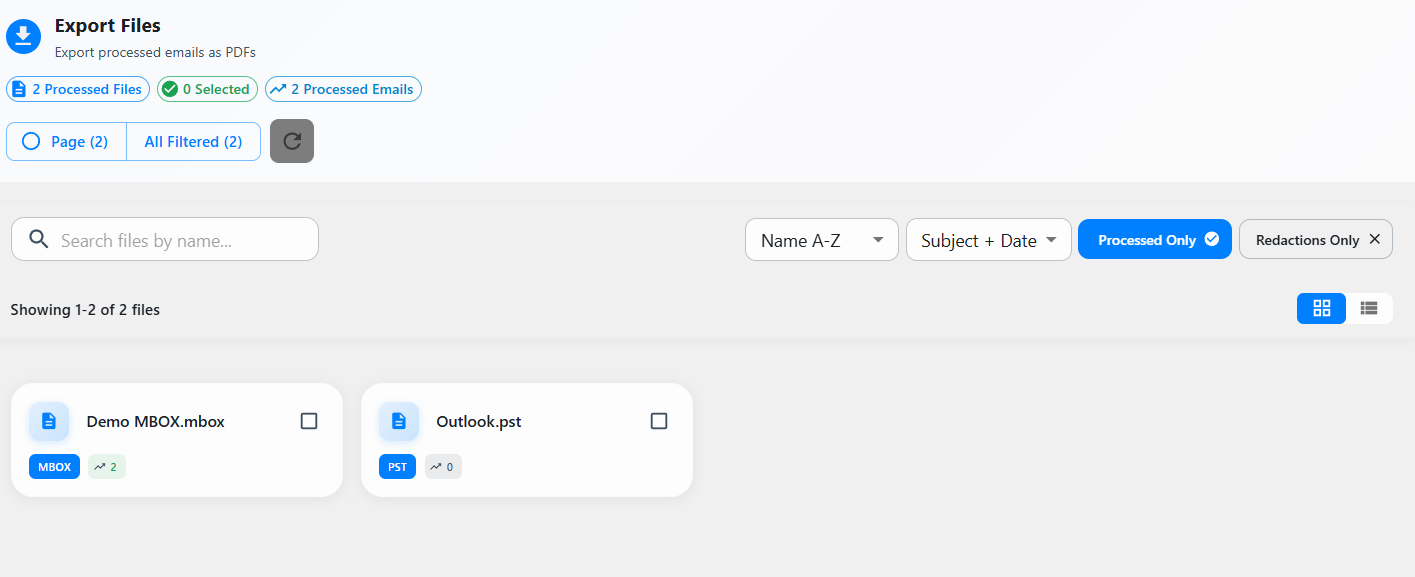
There is an indicator of how many emails there are in the current filter on each file.

You can deselect "Processed Only" to export all emails, whether they are triaged or not. The indicators of how many emails will change.

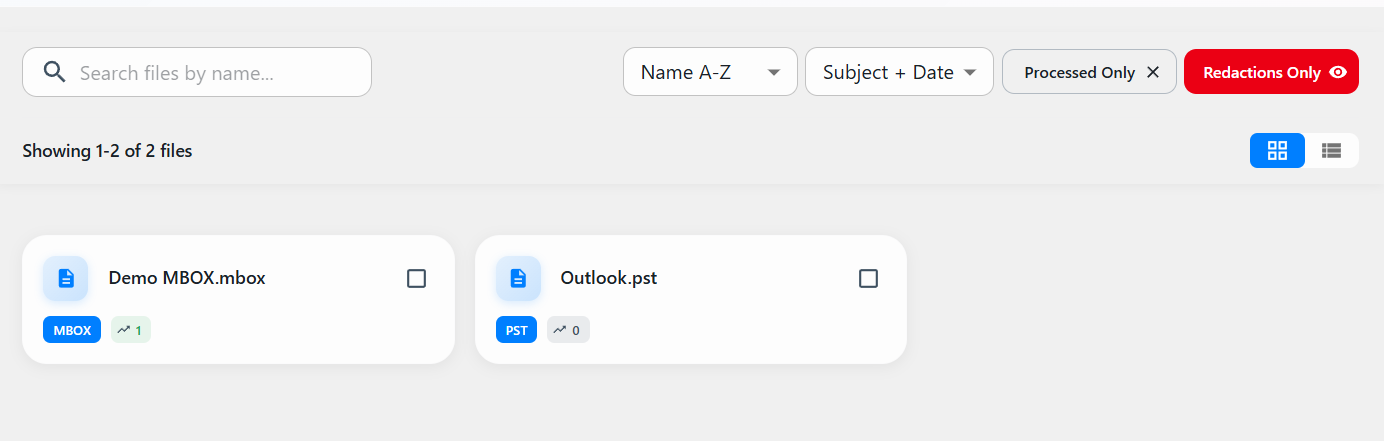
If you select "Redactions Only", you will see that the indicators will change to include only emails that have redactions in them.
Export Emails
Select the files that you want to export.
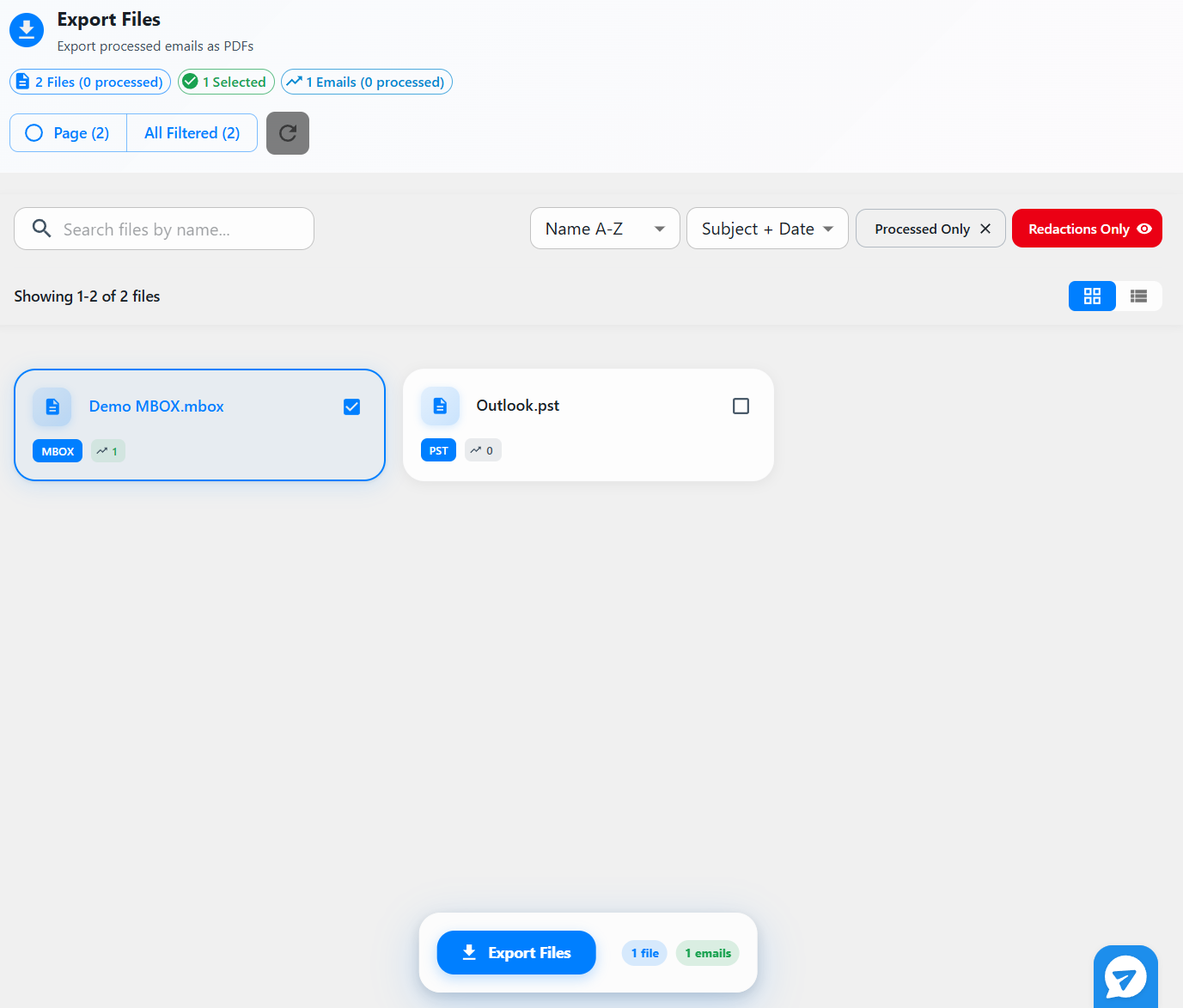
Once you are happy, select Export Files at the bottom to start the export.
You will see the progress of your export.
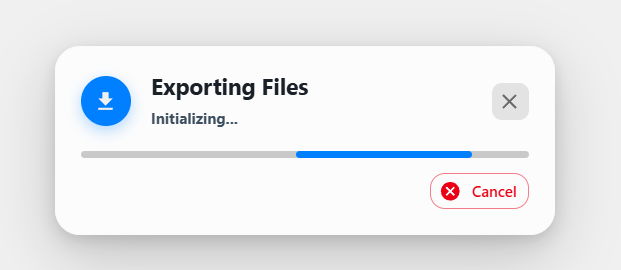
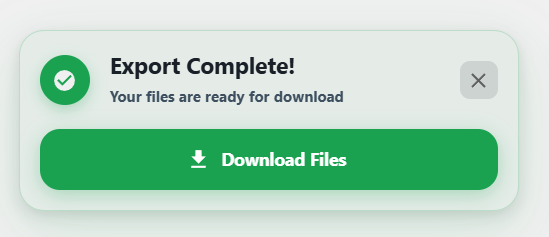
Once done, you will be given a download link to download your PDFs.