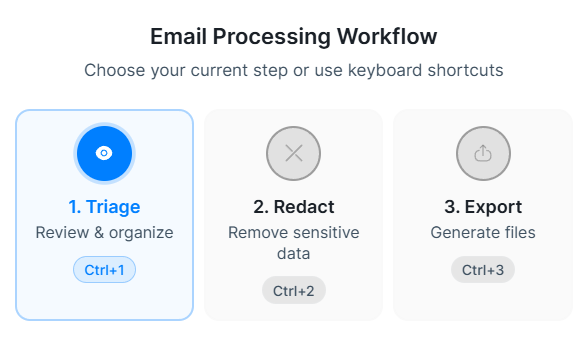
Triaging is the first step in the workflow.
The main components you will be using are the actions.
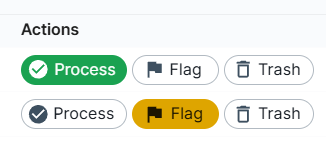
Process: Mark emails as this if you want to take them to the next stage.
Flag: Mark email as this if you want to return to it later.
Trash: Mark emails as this if you know you don't need them.
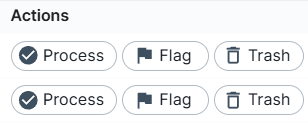
Actions are merely filters; this means you can revisit and modify them later.
Clicking on the emails list allows you to open and preview emails.
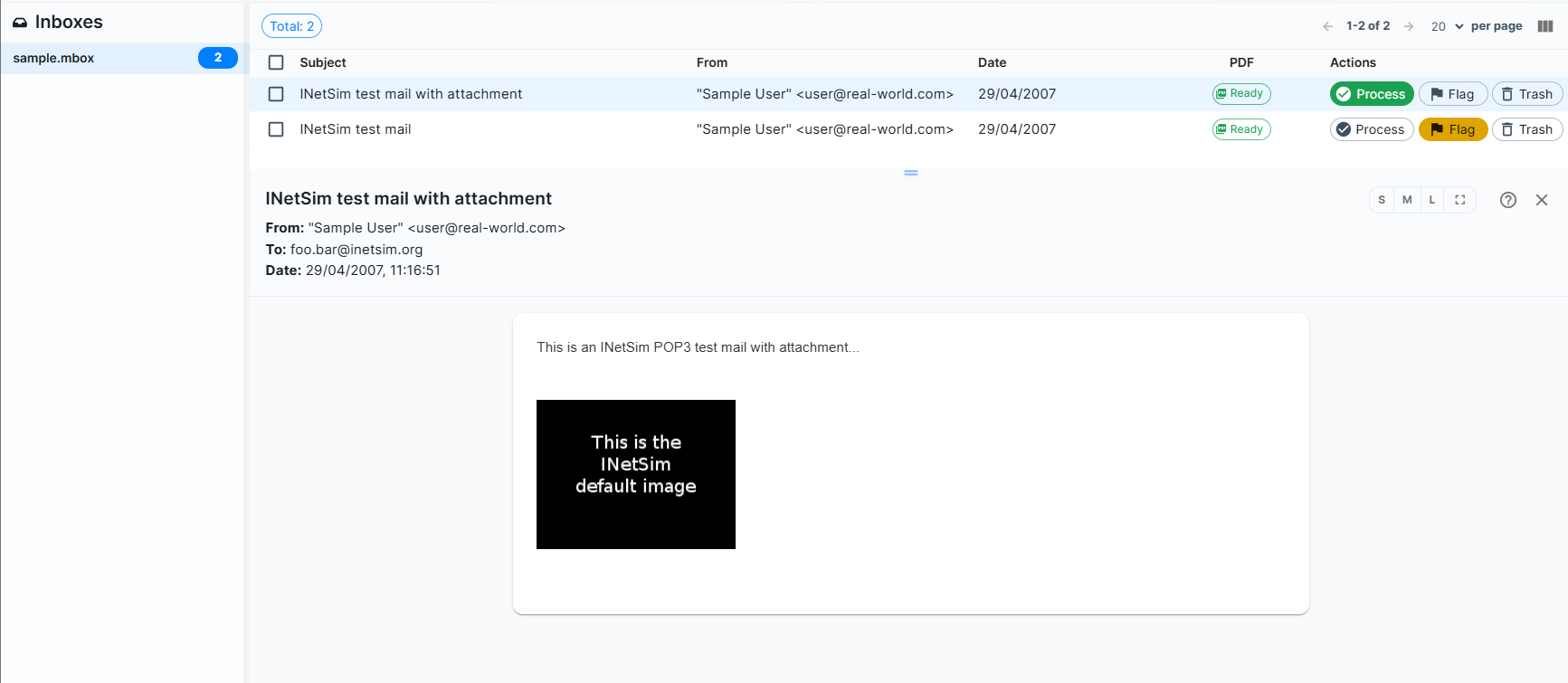
You can then click on an action, which changes colour to show that it has been actioned.
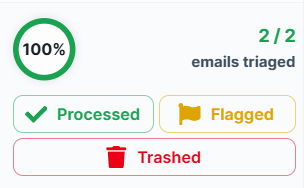
You can filter using the buttons at the bottom left of the screen. This helps, for example, when you need to revisit flagged items.
It also shows you how many emails you have triaged out of the total that you have uploaded.